Wie generiere und verwalte ich die API-Schlüssel
Generate Your API Key
To establish a secure connection to Leneda and request time-series data, you will first need to generate an API key.
Step 1
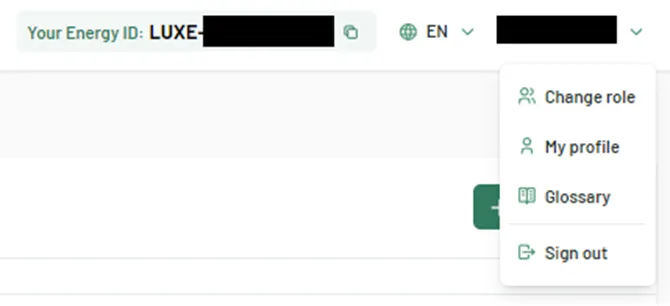
You need to log in to Leneda and navigate to your profile by clicking on your profile name in the upper right corner of the screen. Select “My Profile” from the dropdown menu.
Step 2
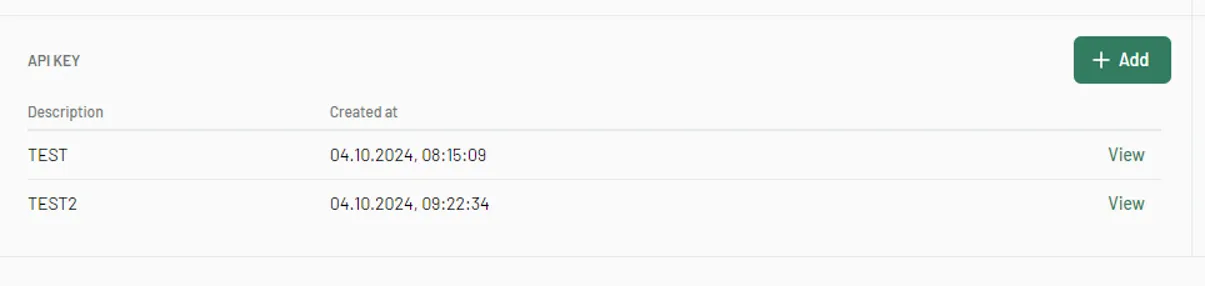
On your profile page, locate the “+Add” button in the “API Keys” section. This section also displays a list of all existing API keys you are managing.
Step 3
To create a new API key, click on the “+Add” button.
Step 4
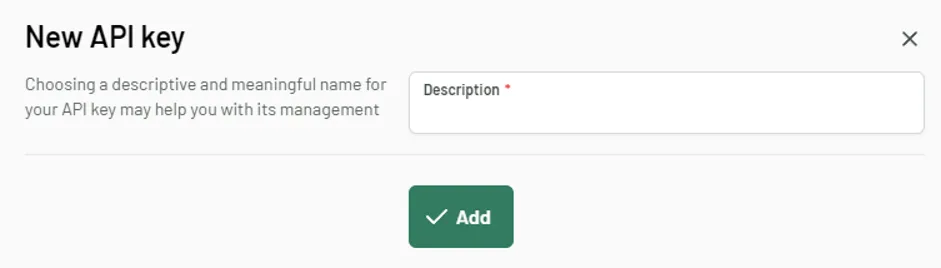
You can add a custom description to help you identify the API key later, then click “Add” to confirm and let Leneda generate you a unique key.
Step 5
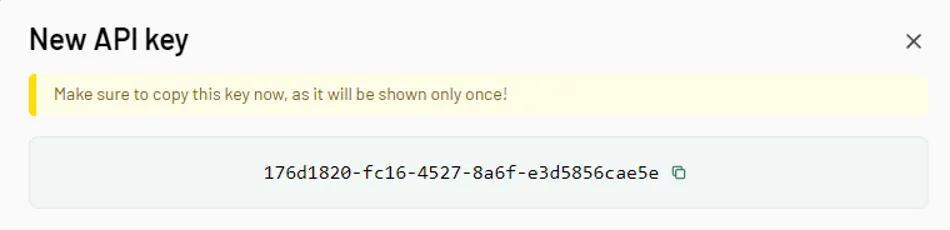
Once the API key is generated, it will be displayed. Important: This key will not be visible again after you close the window, so make sure to copy it and store it securely.
Step 6
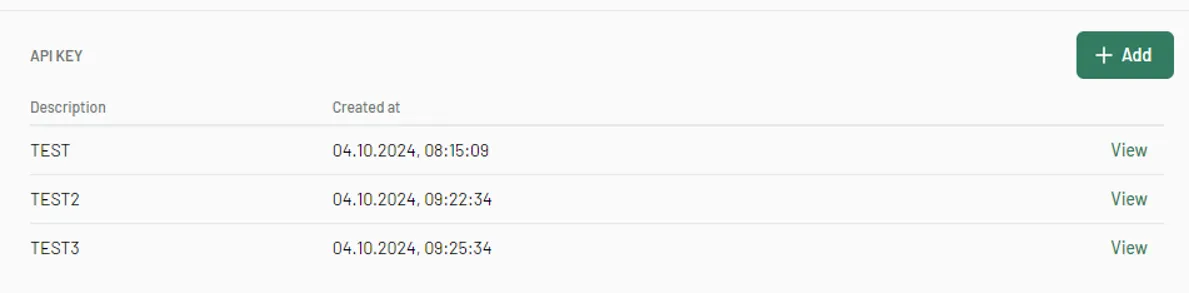
The new API key description will appear in the list of all your API keys. You can use the same API key for retrieving all data you have access to.
Managing Your API Keys
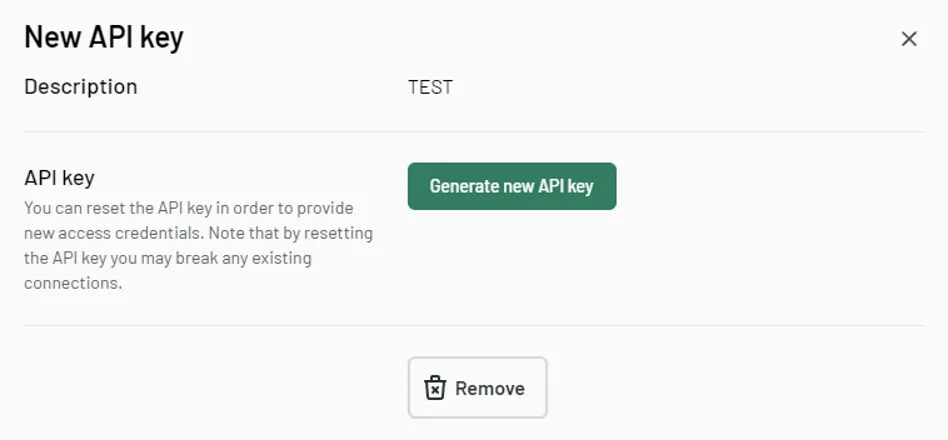
- If you wish to update or delete an API key, click the “View” button next to the key’s description.
- Once you clicked on “View”, you can either:
- generate a new API key by clicking the “Generate new API key” button. This will replace your current key which will not work anymore
- delete the existing API key by clicking “Remove”.