How to add and manage representations for private persons
Step 1
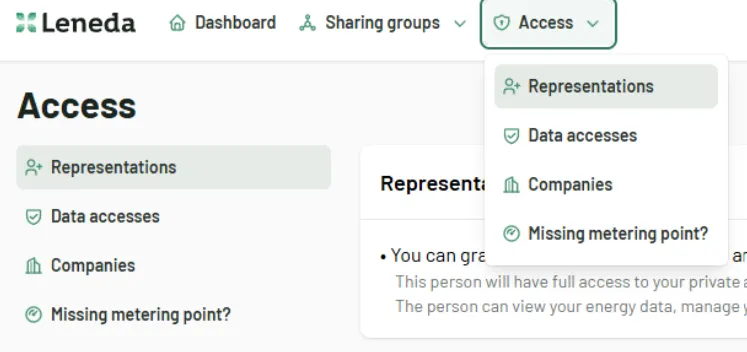
Sign in to Leneda. On the menu bar, choose “Access” and click on “My representations.”
Step 2
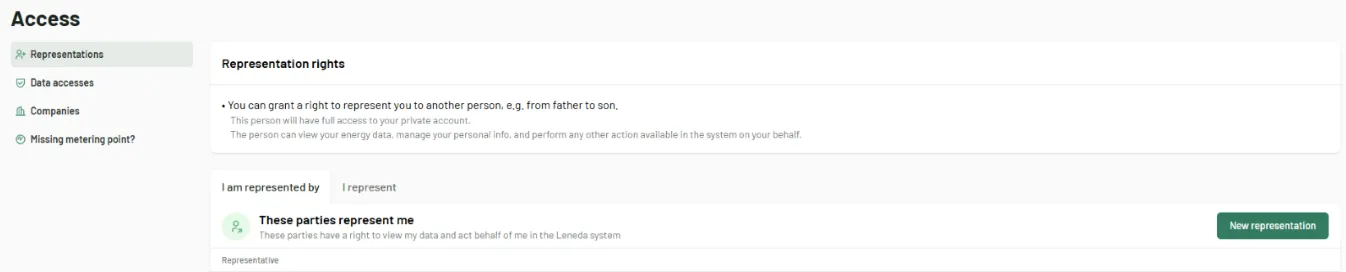
On this page, you can choose to add a new representation or view your active representations. To add a new representation, click on the “New Representation” button.
Step 3
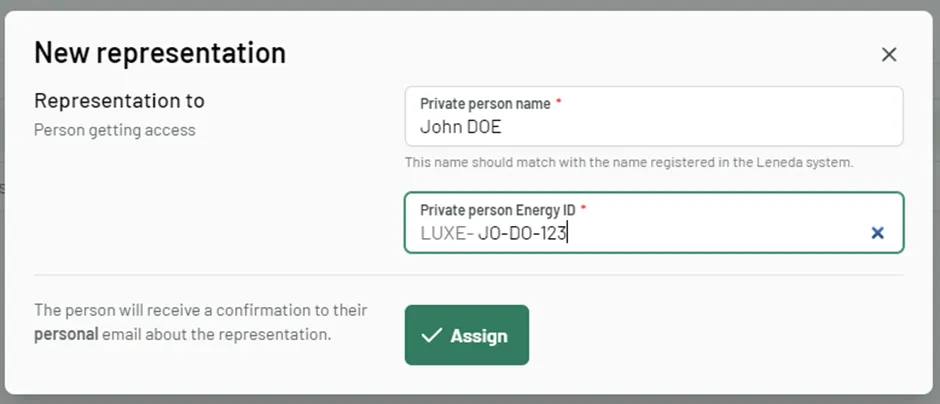
To add a new representation, enter the person’s full name and his Energy ID. Ensure the name is entered exactly as it is registered in the Leneda system. Click “Assign” to complete the process. The person you are granting access to will be informed by mail.
Step 4
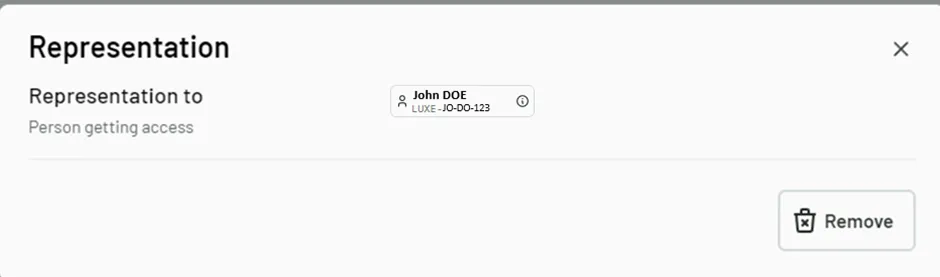
You will now see the newly added representations in the list of active representations. By clicking on “Details,” you can remove the representation.